Value Home Plans · See it before you buy
See your plan on your land
Snap your lot, pick a Value Home Plans design, drop the home where you want it. We return a photorealistic photo of that exact home built on your land.
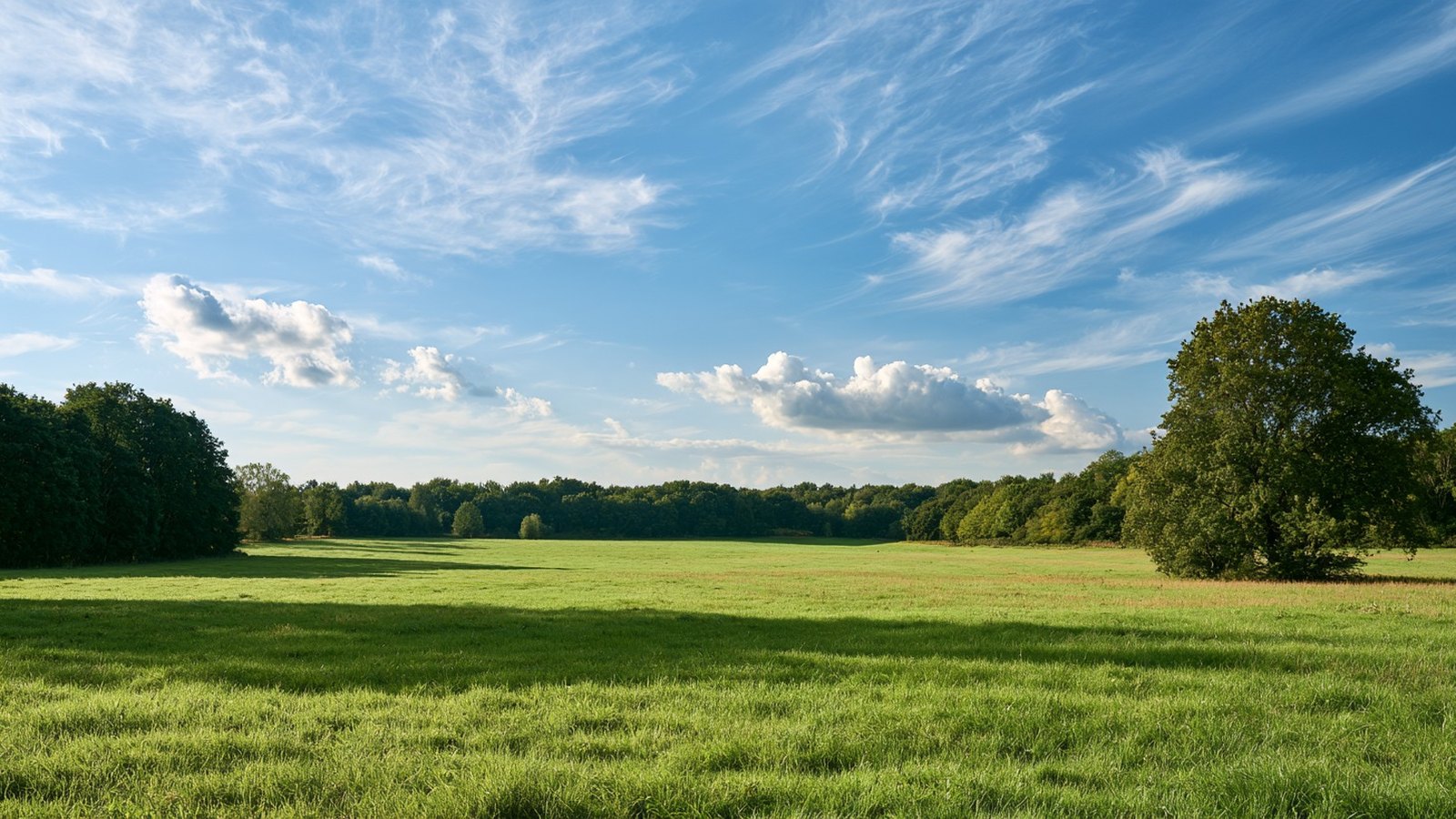
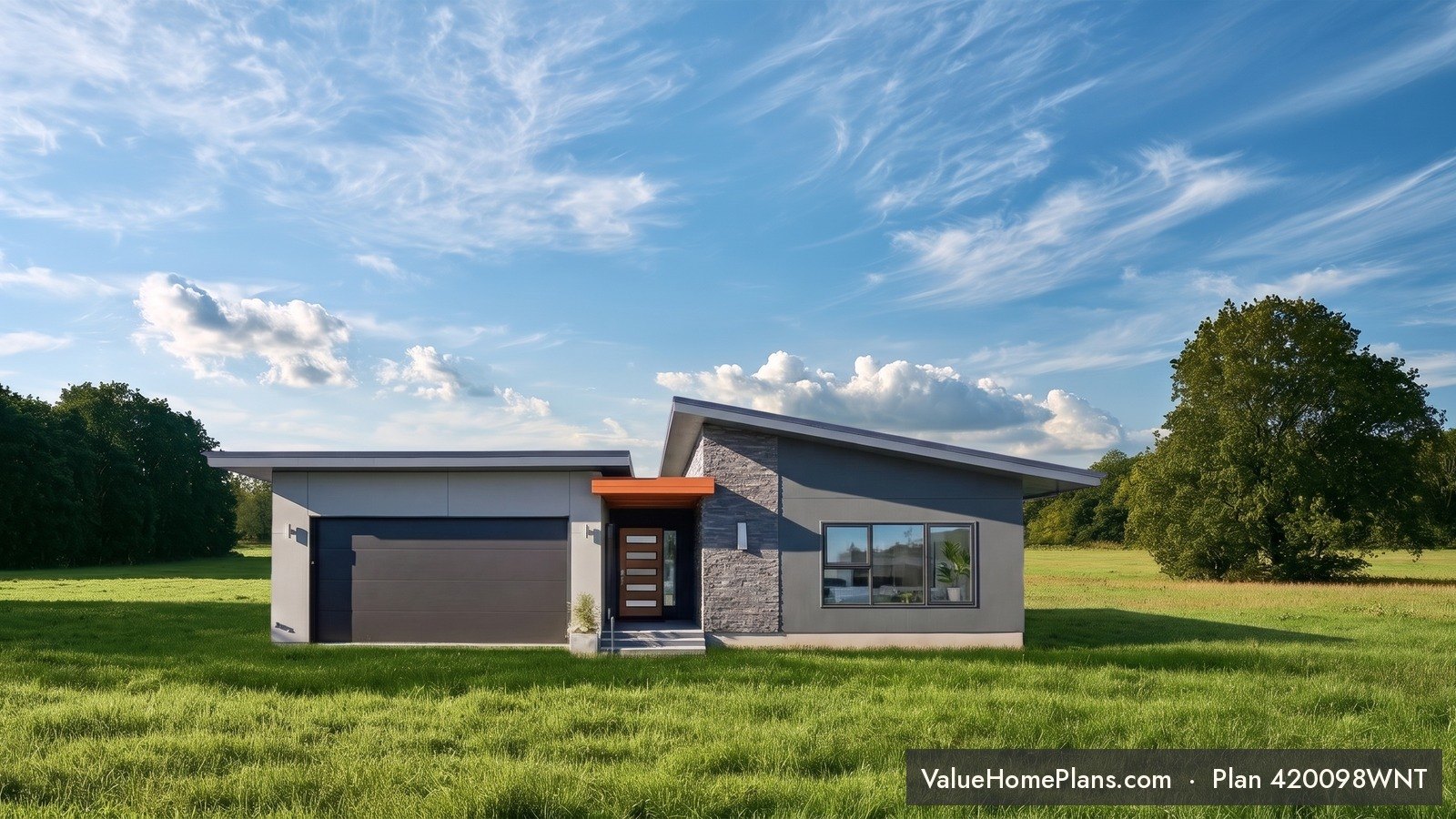 Your land
Plan 420098WNT
Drag the slider. Example: Plan 420098WNT on a real bare-land photo, shown at true scale. Land photo by J.A. Winter, Value Home Plans.
- 1Find your planEnter the plan number and confirm the front of the home.
- 2Add your landTake a photo or choose one from your phone.
- 3Place and size itDrag the home into position. Drag a corner to size it.
- 4Get your photoPay $12.99 at secure checkout. Play a quick game while your photorealistic image is created.
The home image and design come directly from the plan's listing at Value Home Plans and are protected by copyright. All rights reserved.
Find your plan
Choose a Value Home Plans design from the list, or type a plan number.
Is this the front of the home, seen straight-on?
We use head-on front views, so your photo shows the front elevation exactly as designed.
Not right? Tap another view below.
Add a photo of your land
Stand where you'd like to see the front of the home from. Landscape photos work best.
- Shoot in daylight with the building spot in clear view.
- Leave some sky above where the roof will go.
Place the home
Drag to move. Drag a corner to resize. Set the bottom of the home where it meets the ground.
Review and pay
- 1 photorealistic photo of your land with this home
- Design and colors locked to the plan rendering
- Ground and landscape matched to your own land photo
- ValueHomePlans.com stamp on the finished photo
Secure checkout opens in a new window. After you pay, close that window and come back here. Your photo starts right away.
Your photo
- Payment
- Creating photo
- Ready
Finish checkout in the payment window. When it shows your payment is complete, close that window. This page updates on its own.
Open secure checkoutOrder
Your photo is ready. Open the full photo to save it. Keep playing if you like, your photo will be here when you're done.
Payment received. Building your home on your land. This takes a few minutes. Keep this page open.
Play while you wait: Permit Pending
Save the game to come back for a better score: permitpending.pplx.app
That render didn't finish. Your payment is safe. Try again at no charge.
Here's on your land
On iPhone, open the photo, then tap Save photo, or press and hold it to save to Photos.